Add another account.
Create additional copies of supported installed apps. Sign in separately for work, personal use, or another activity.
Clone App - Multiple Accounts
Keep work and personal accounts organized. Create copies of supported Android apps, with separate app data and sign-in sessions for each copy.
For Android 8.0 and later. Compatibility depends on the app and device.
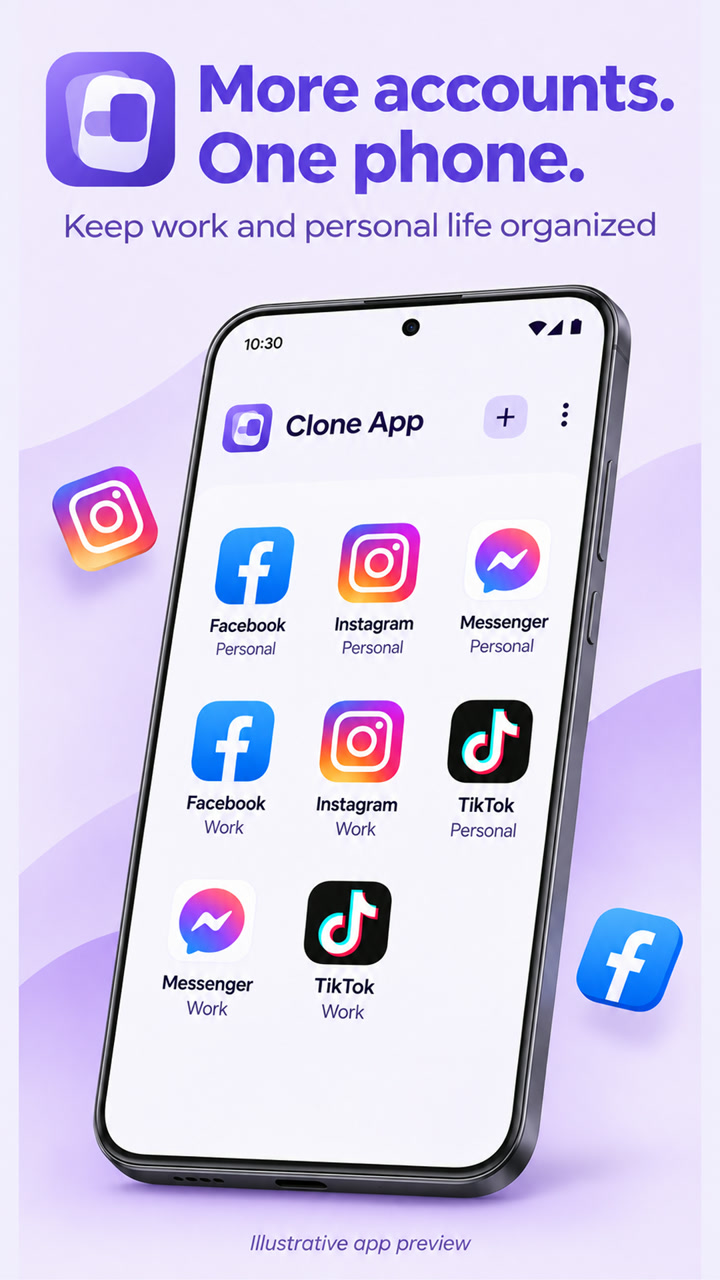
A home for your accounts
Keep your copies easy to find, recognize, and manage.
Create additional copies of supported installed apps. Sign in separately for work, personal use, or another activity.
Give each copy a recognizable name, drag icons into place, and add a home screen shortcut for quick access.
Clear a copy’s cache, reset its data, or remove it. Use the app’s lock settings to control access with device authentication.
Clear choices
Camera, microphone, media, contacts, and location features depend on Android permissions granted to the host app. Review these permissions whenever you need.
Read how data is handledGood to know
Support varies by app version, Android version, and device. Some sign-in, payment, protected-content, calling, and background features may be limited. Additional copies use device storage and memory.
A foreground service helps keep the cloning engine and supported background services available. Android battery restrictions, network availability, and force-stop can affect delivery of notifications.
The selected copy’s app-private data is removed. Keep backups of important information first. Files exported to shared storage and information held by a third-party service must be managed separately.
Copies use separate app-data locations, but share the physical device and the host app’s Android permissions. Device authentication controls access to app screens. Compatibility and protection depend on Android and the app’s implementation.
Clone App is an independent application from Mushroom Studio. Third-party app names, icons, and trademarks belong to their respective owners.
Mushroom Studio
For app support, feedback, or questions about your data, send us an email.
cuong2011.94@gmail.comInclude your app version, Android version, and a short description. Keep passwords, verification codes, account tokens, and private messages out of support emails.